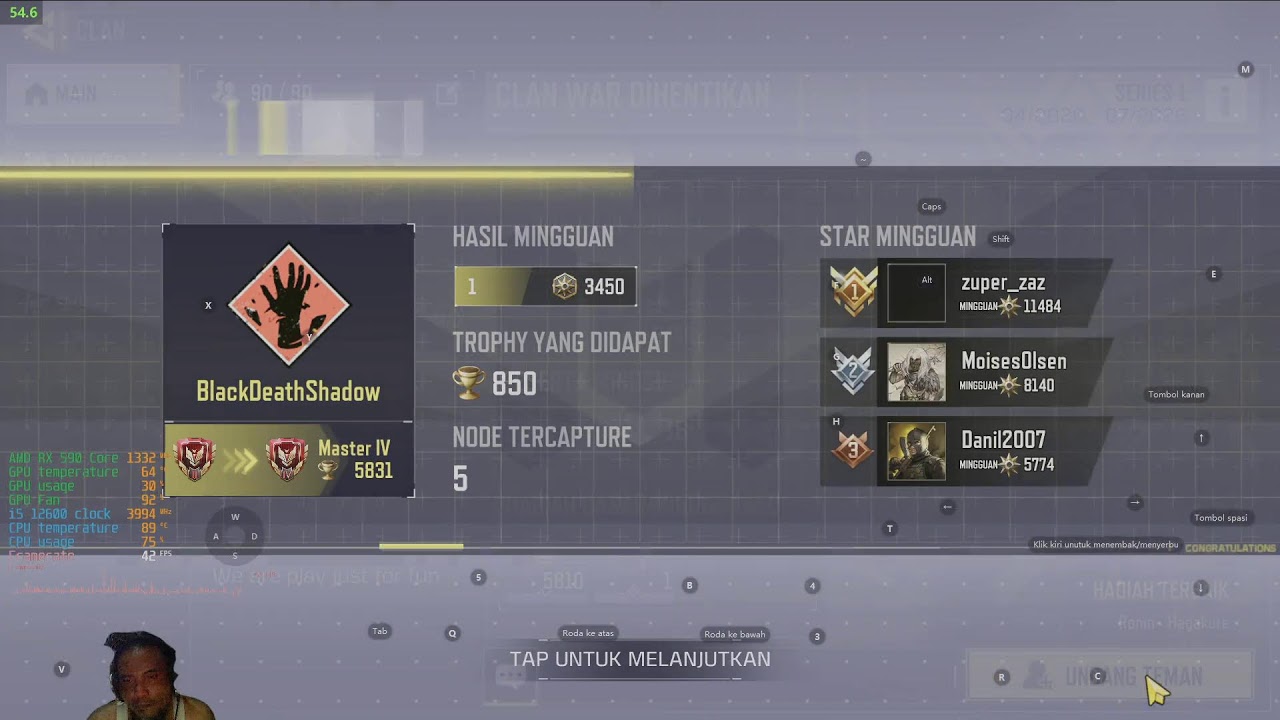
Gaming peacefully? Impossible. Streaming smoothly? Even more impossible. Welcome to another chaotic Call of Duty Mobile live stream, where the mission isn’t only surviving enemies… but also surviving random lag spikes.
Today’s experiment features a surprisingly powerful setup: Intel Core i5-12400F, 32GB RAM, AMD RX 590, LD Player Emulator, and OBS Studio running together like stressed coworkers during overtime.
The Setup Looks Strong… Until Reality Appears
On paper, this PC should handle CODM easily. The i5-12400F is fast, the RX 590 still punches hard at 1080p, and 32GB RAM basically says, “bro chill, I got this.”
But emulators have their own personality. Especially when OBS joins the party. Suddenly your smooth gameplay turns into a cinematic slideshow.
If you enjoy tweaking setups and maximizing performance, you might want to explore Pisbon Computer ArtWork because optimizing PCs sometimes feels harder than winning Battle Royale itself.
LD Player + OBS = Unexpected Boss Fight
Streaming CODM through an emulator is like asking your PC to run a marathon while solving math problems. Technically possible… but emotionally dangerous.
The emulator demands CPU resources, OBS wants encoding power, and suddenly your system starts negotiating peace treaties with the frame rate.
Battle Royale Gameplay: Chaos with Extra Lag
Despite the technical struggles, the gameplay remains intense. Squad fights break out everywhere, airdrops become dangerous bait, and every gunfight feels like a reaction-speed exam.
The real challenge? Trying to aim properly while the FPS occasionally decides to take a coffee break.
When Lag Becomes Part of the Strategy
At some point, you stop fighting the lag and start adapting to it. Predicting movements, timing actions carefully, and praying the frame drops don’t happen during final circles.
Honestly, surviving both enemies and performance issues at the same time deserves double XP.
AMD RX 590 Still Refuses to Retire
For an older GPU, the RX 590 still delivers respectable gaming performance. Sure, modern games can push it hard, but for CODM streaming? It still has fight left in it.
Especially when paired with the i5-12400F, which handles multitasking surprisingly well… until OBS and emulator drama arrive together.
Technical Reality of Emulator Streaming
Many people think strong hardware automatically guarantees smooth streaming. But emulation introduces additional overhead that behaves differently from native PC gaming.
That’s why even powerful systems sometimes struggle when streaming mobile games through emulators.
If you appreciate performance engineering and machines being pushed to their limits, check out Pisbon AutoCraft because this setup honestly feels like tuning a turbo engine under pressure.
Conclusion: Laggy… But Still Epic
This stream proves one important thing: gameplay doesn’t have to be perfect to stay entertaining. Sometimes technical chaos creates the funniest and most memorable moments.
Because in the end, surviving lag while fighting real players somehow feels more satisfying than smooth gameplay ever could.
Tags:
Call of Duty Mobile Live, CODM Live Stream, CODM PC Gameplay, LD Player Emulator CODM, CODM Lag Fix, i5-12400F Gaming, RX 590 8GB CODM, OBS Stream Lag, Battle Royale PC, CODM Indonesia Live, High Action CODM, Mobile Games on PC, CODM Best Settings, 1080p 60FPS Gameplay, CODM Squad Highlights, AMD RX 590 Gaming 2026

Diskusi
Post a Comment